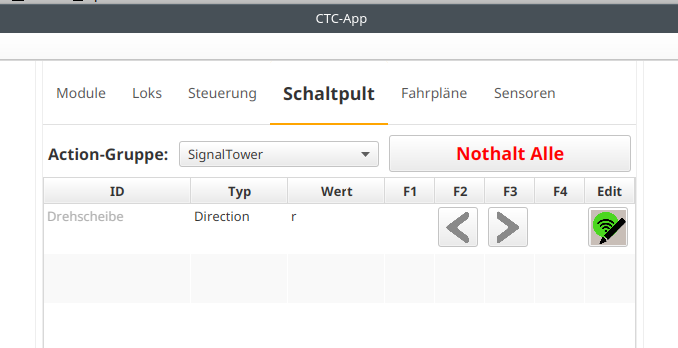
The Fleischmann turntable 6651 can be connected to the CTC-Turnout-Module G and thus controlled via the CTC app. Presumably, the connection principle presented here also applies to many other (non-digital) turntables.
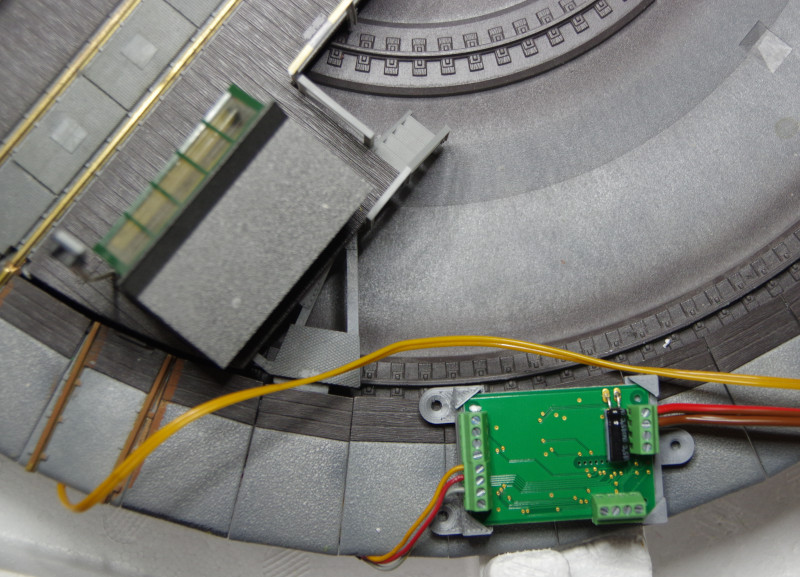
The connections of the turntable consist of a 3-core cable (red/yellow/gray) for moving the turntable and a 2-core cable (2x yellow) for powering the track on the turntable stage. The yellow and red wires are the motor connection. The gray wire is used to start the rotation.
We connect all three yellow/red/gray wires to HB terminals of the CTC-Turnout-Module G, here:
- yellow to HB-1
- red to HB-2
- gray to HB-3
Then we connect the track A and track B terminals of the CTC-Turnout-Module G to a suitable power supply (according to the data sheet 12 to 14 volts). For our trade fair stand, I was a little daring and used the 15 volt supply available there.
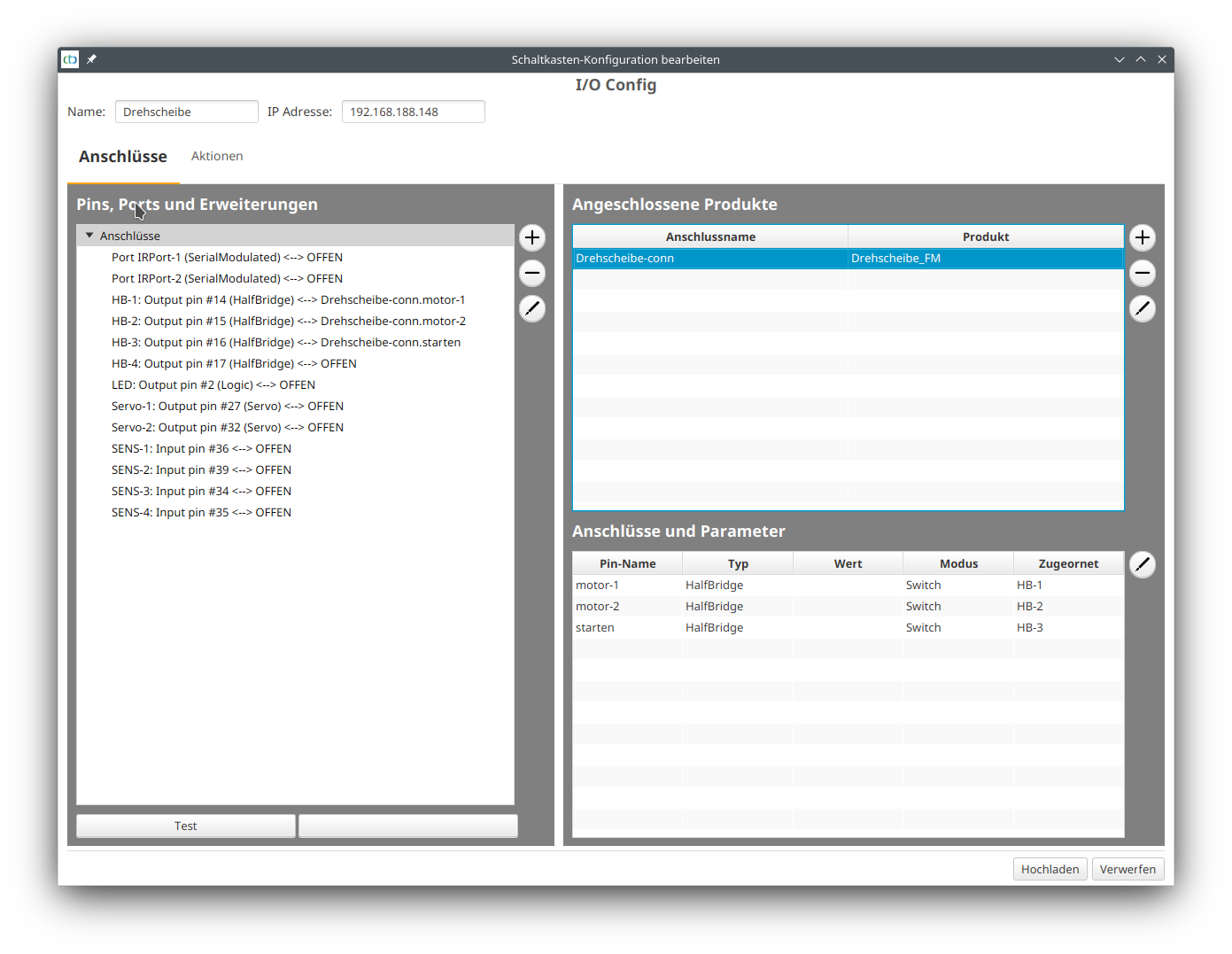
After the CTC-Turnout-Module G has been registered in our model railway WiFi, we open the config dialog (pencil symbol) and click on "Change config". There we select the turntable from the product catalog "universell-sonstiges.xml" and connect the pins as shown in the following screenshot:
The turntable then appears in the "Control Panel":