Model Railway Control
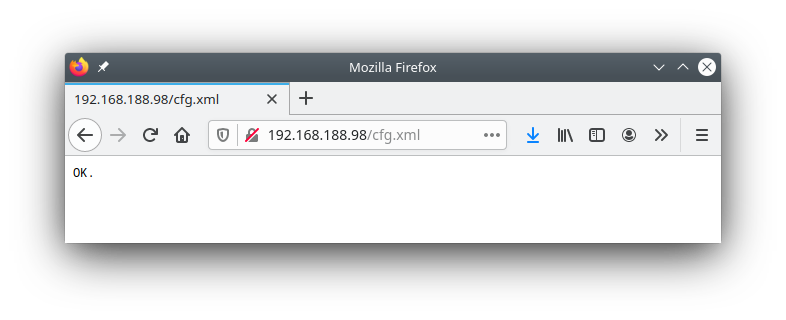
The model railway control page provides direct access to the XML configuration files of the CTC module.
WARNING: Incorrect settings in the XML files, especially in the "ioCfg.xml", can permanently destroy the CTC module and any connected locomotives/turnouts/...
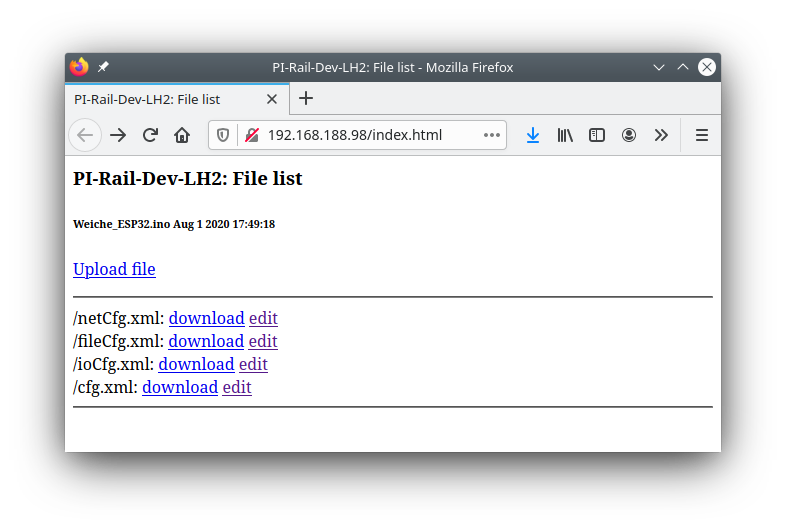
Download
To download a config file, click the download link next to the name of the config file.
Depending on your browser settings, the file will either be saved to the browser's download folder or you will be prompted to select a save location.
This way, you can both back up your configuration and send us your configuration in case of support.
Note: If you change the config using the CTC app, these changes will be saved in the "cfg.xml" file of the CTC module. In the "netCfg.xml" you will find the SSID and password of your model railway Wi-Fi.
Upload
To upload a config file, click the Upload file link.
In the delivery of the desktop app, the Config folder contains a suitable ioCfg.xml for each module type (firmware). The netCfg.xml , fileCfg.xml and (empty) cfg.xml are identical for all CTC modules.
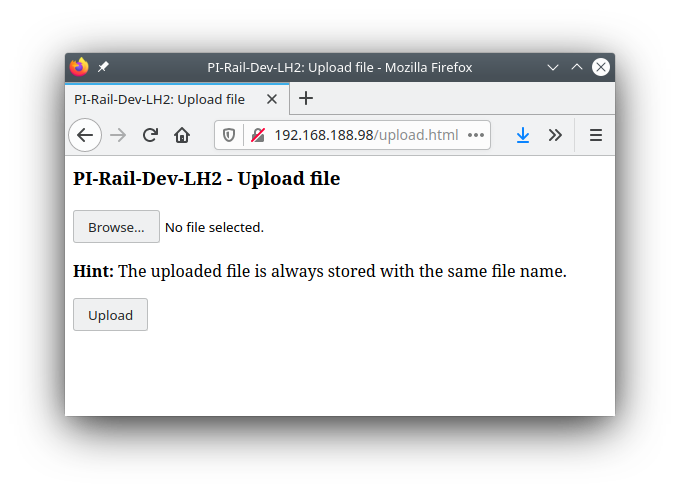
Note: After every upload, the CTC module restarts, i.e. it takes a few seconds until it becomes visible again.
Edit
By clicking edit , you can access a simple text editor. In the Zip file of the desktop app, you will find configuration files sorted by module type, whose content you can use as a template for your own configurations. Editing the text in an editor that supports XML (e.g. Notepad++) reduces the risk of creating faulty configurations.
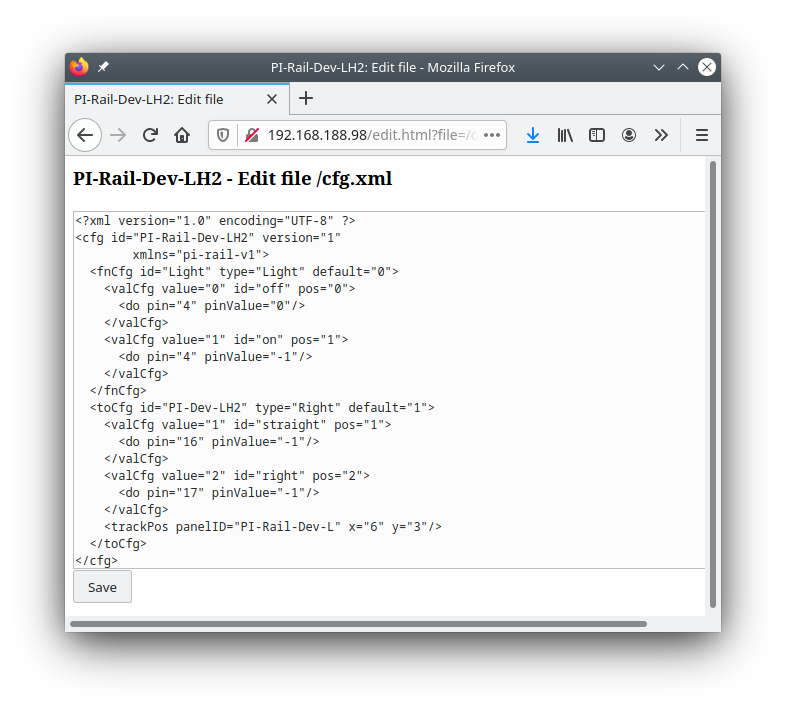
After clicking Save , the CTC module confirms receipt of the configuration file and then resets itself.