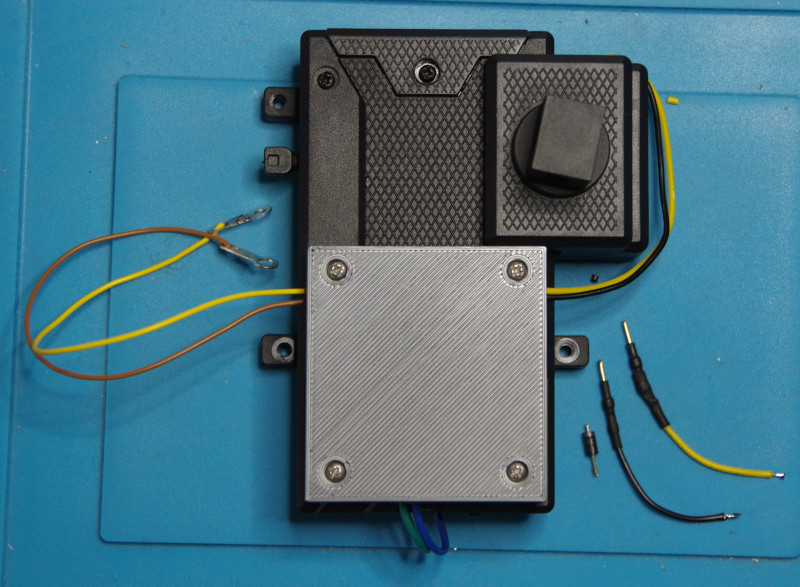
In this article, I will show you how to equip the Piko G turnout drive (No. 35271) including the turnout lantern (No. 35266) with a CTC-Turnout-Module-G .
Important: This documentation was created before we finalized the cable color specifications .
The cable colors in the photos therefore do not correspond to this specification
Here is the fully converted turnout drive to start with:
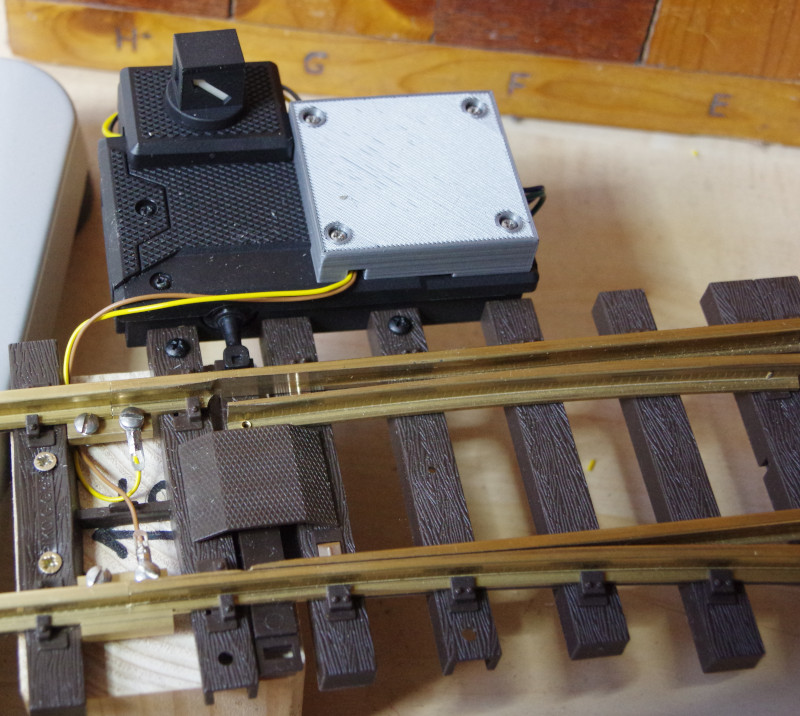
You will of course receive the cover from us in black. For this guide, I used the gray prototype.
First, the turnout lantern is installed according to the instructions included with the product. At the end of the connection cables of the turnout lantern, there is a diode and a resistor just before the plug. I don’t understand the purpose of the diode. The resistor is essential, as the lantern contains an LED that would burn out without it. When shortening the cables, we must therefore keep the resistor, which was included in the black cable in my case.
Before connecting the turnout lantern, we take care of the turnout drive. To do this, the two short cables (green and blue, approx. 4.5 cm long) are pushed through the provided holes and screwed on from above. Then we pull firmly on both cables to ensure they are properly screwed in. I also removed the cover of the seal, which turned out to be unnecessary:
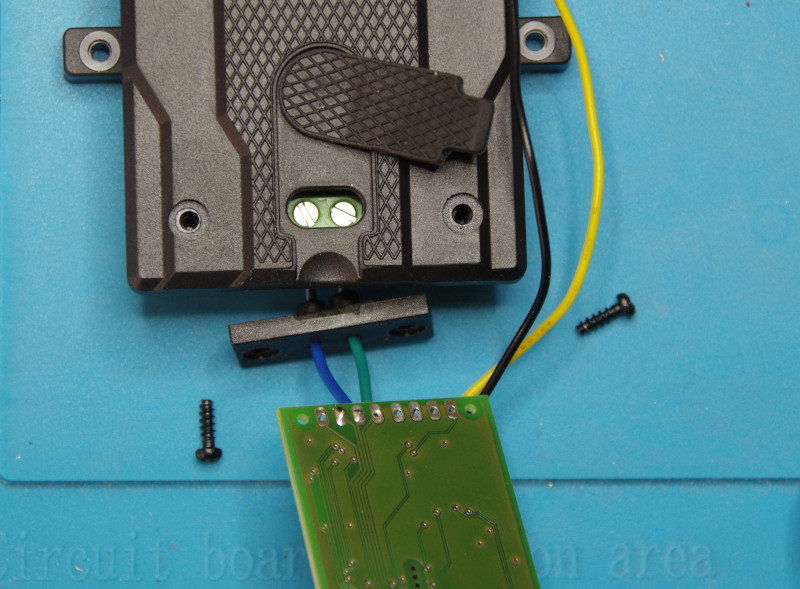
Why Piko uses a black cable for the positive pole, which is usually used for the negative pole, is a mystery to me? We connect the positive pole of the turnout lantern (black cable with resistor) to the HB-3 output and the negative pole to GND of the CTC-Turnout-Module-G. In the following image, the CTC-Turnout-Module-G is fully wired and the cover included in the scope of delivery is already ready to the left.
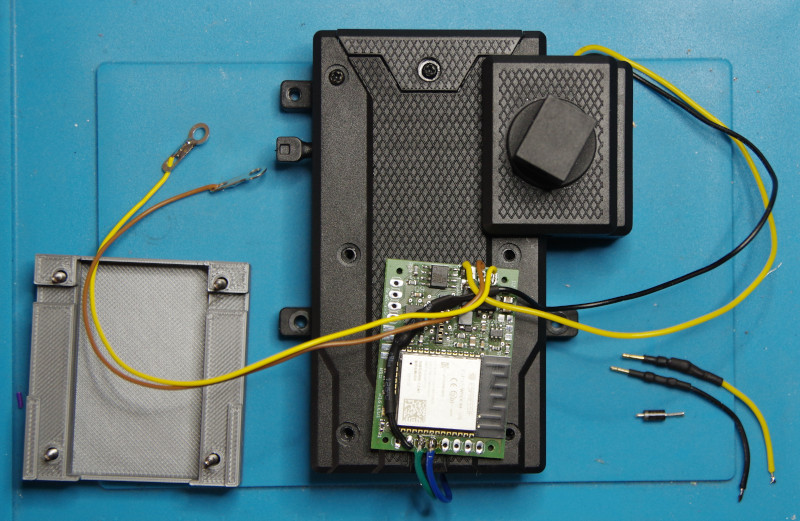
At the latest now, we must remove the four screws that will later be covered by the cover. They are replaced by correspondingly longer screws, which are also included. Now we insert the CTC-Turnout-Module-G into the cover and guide the cables through the provided cutouts:
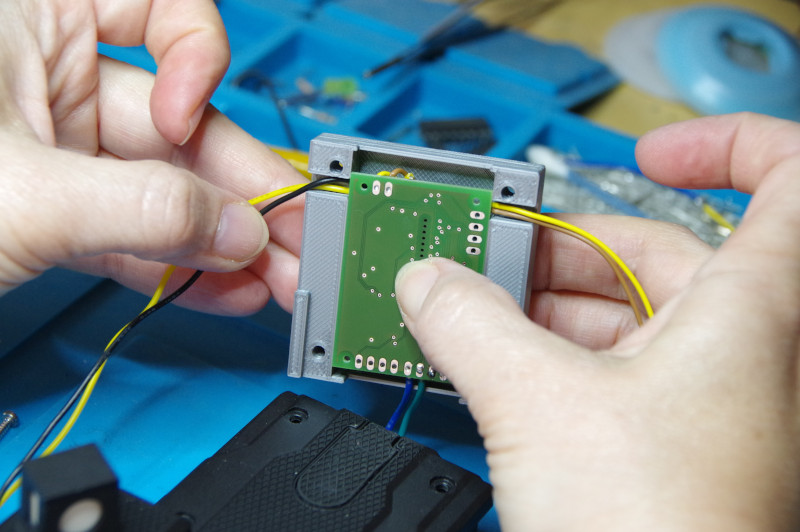
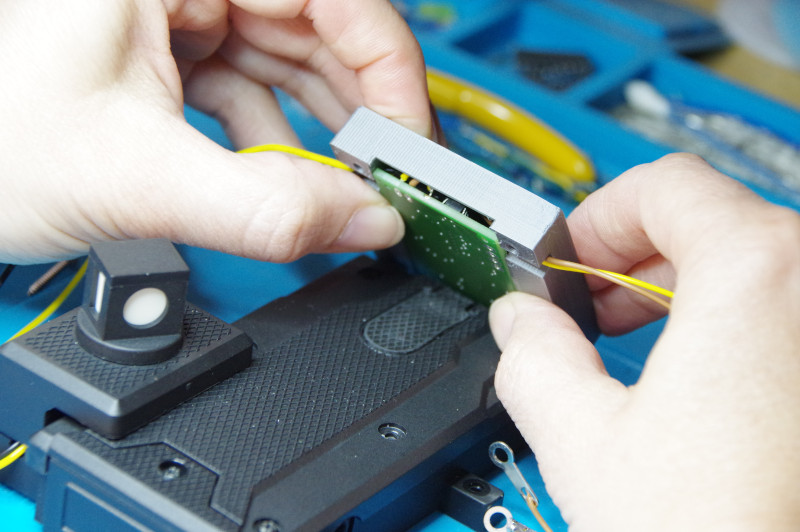
Then we attach the cover to the housing of the turnout drive and carefully fold it down. Here, we must pay particular attention to ensuring that the cables remain in their cutouts:
Finally, we slide the cover into position:
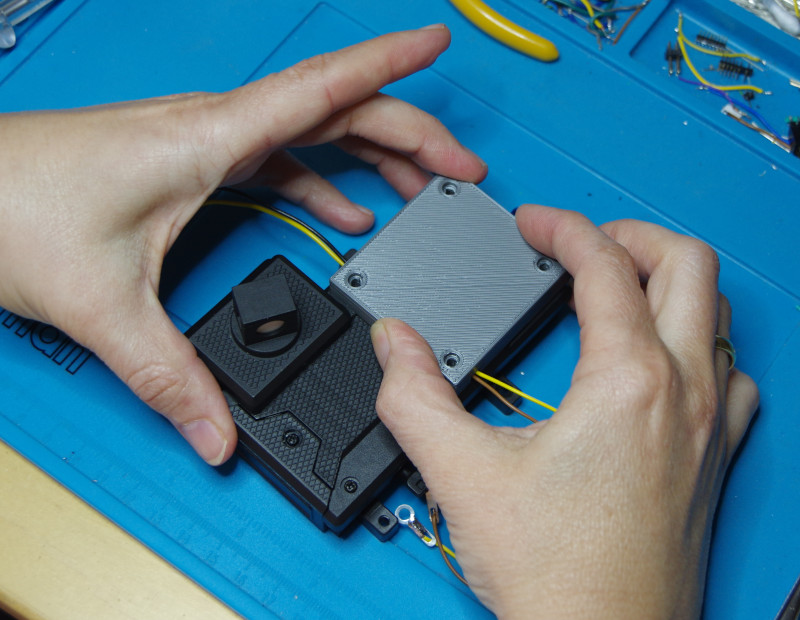
Then, carefully screw in the four screws (plastic threads and we’re done. In the image on the right, you can see the remaining cable ends and the diode of the turnout lantern.