





This installation guide is for the WS2811-16out from FichtelBahn for Schneider Signal of RhB Type L main signal triple-flame (item no. 433350) in H0 scale with USB plug.
Install and connect the ctc module
The pin assignment is as shown in the wiring diagram

Register the module in the WiFi network
If the CTC-Multi IO Board 4 is not yet registered in the model railway WiFi network, you must do this first. You can find the instructions in the user manual in Chapter 3.1 "Registering modules in the WiFi network" .
Open configuration
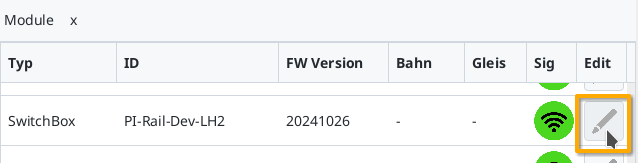
A registered CTC-Multi IO Board 4 can be found under its name in the module list in the CTC app. Click on the pencil icon to open the "switch cabinet configuration".
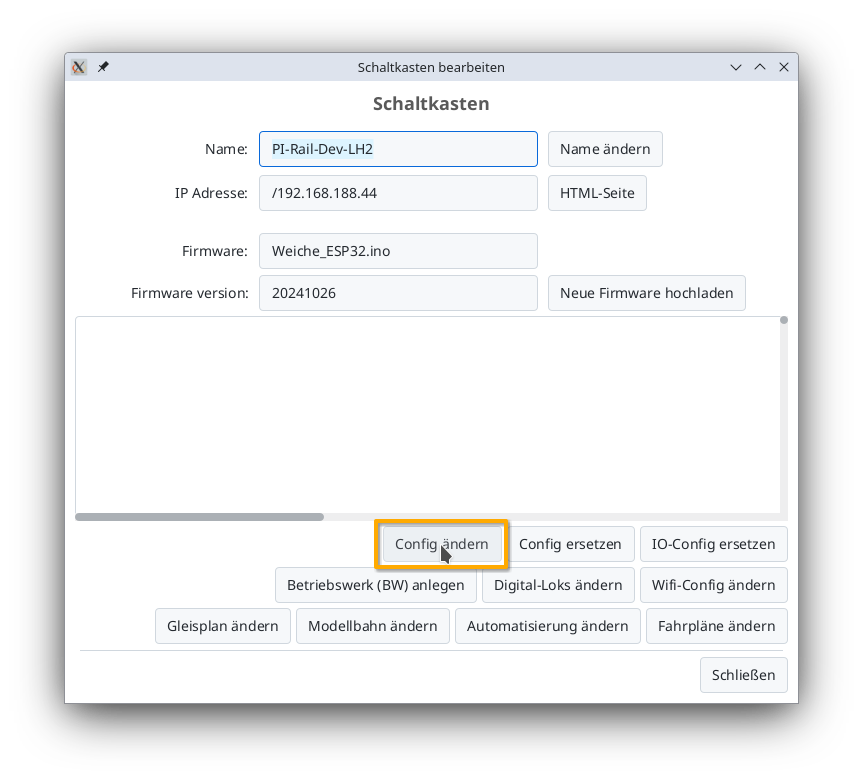
There, click on the "Change config" button:
Add product
In the config dialog, click on the plus button to the right of "Connected products" to select what product you have connected:

Select the product catalog "Viessmann Signal" and then click "Apply":

Give your signal a meaningful name, select the appropriate product and product configuration. Then click "Apply":

Connect product
Now you need to specify which connections of the CTC module the signal is connected to.

If it is not yet connected, click "Connect".
For the other signals in the row, proceed in exactly the same way as for the first one.
Upload configuration
Once all pins are connected, you can click the "Upload" button to save the changes to the config on the CTC-Turnout-Module:

The CTC-Turnout-Module will restart.
Signal in the signal tower
After a few seconds, the newly configured signal appears in the signal tower:

Here you can now switch between the individual light signals.