





Balises setup and assignment
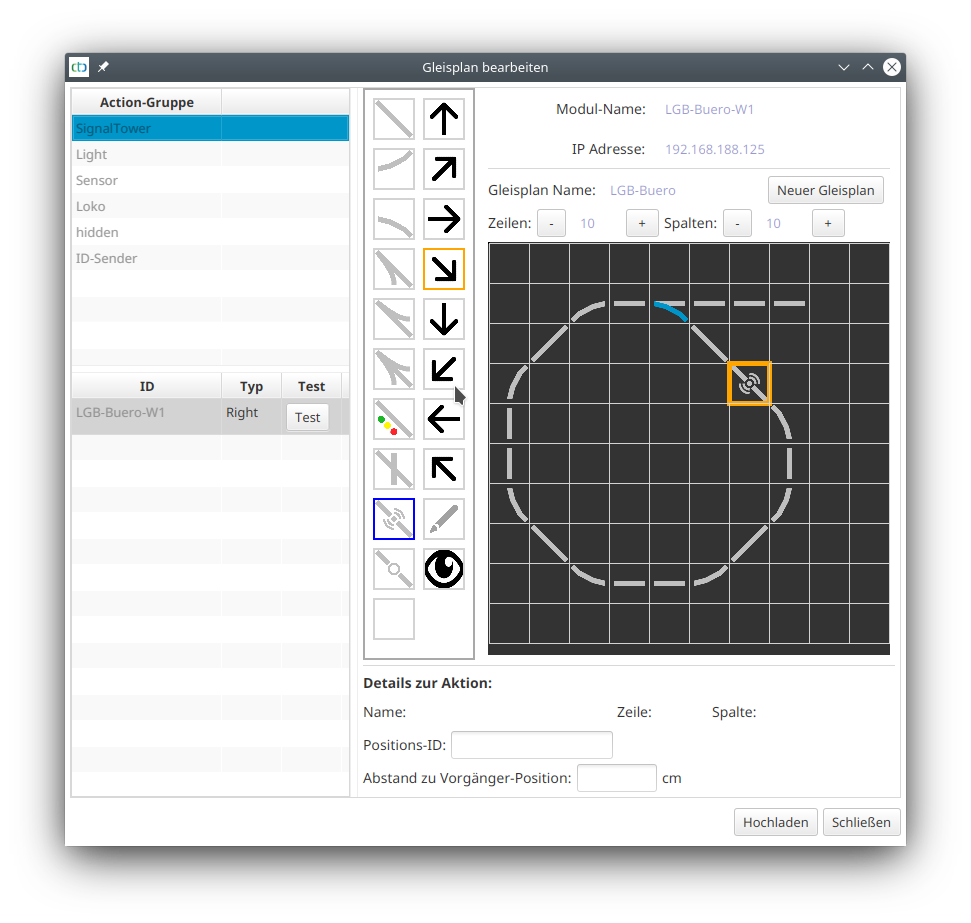
For balises (ID transmitters), the symbol shown here is used:
Assigning balises
In the case of NFC balises, we must first ensure that it has been read at least once by a locomotive before proceeding to the next step. Only then will it appear in the list of balises (ID transmitters) in the track diagram editor.
Now the position in the track diagram can be assigned a balise. To do this, select the "Balise" action group (formerly "ID transmitter") in the table at the top left and click on the balise to be linked. This activates the pen symbol in the toolbar. Now click on the location in the track plan where the balise is located:
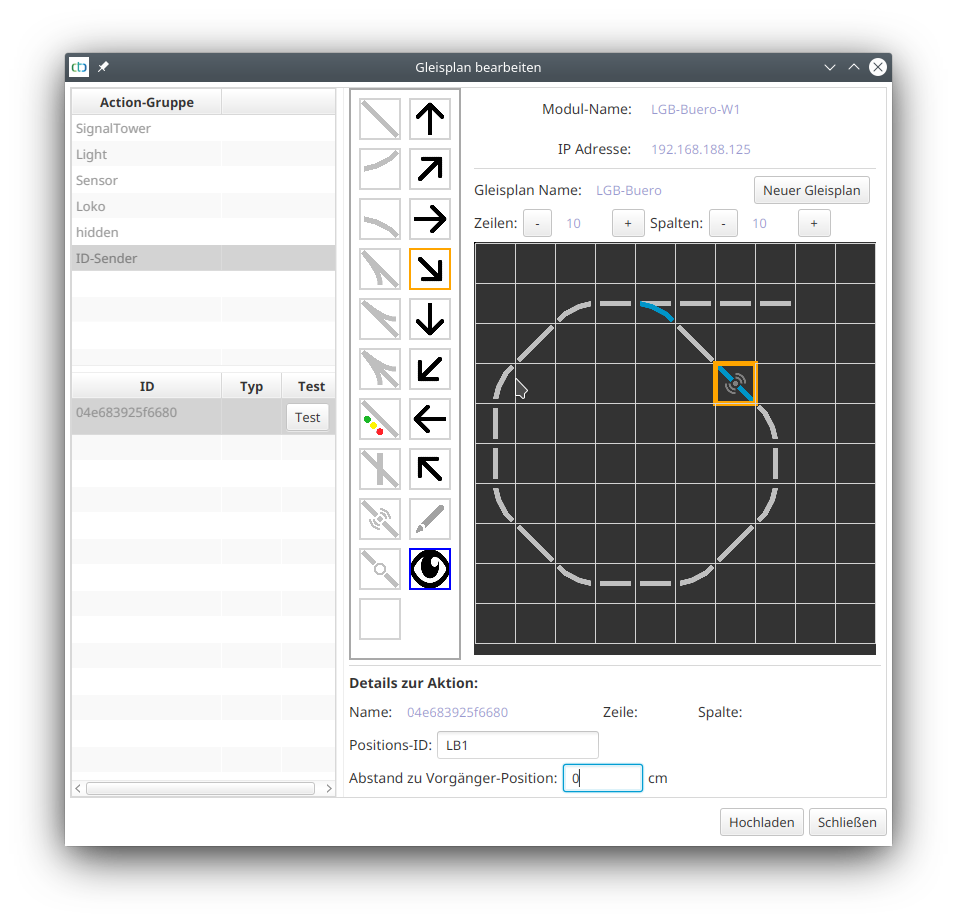
In the case of an IR balise, you are now done, as its configuration was already carried out during the configuration of the associated CTC module.
Configuring NFC balises (NFC tag)
If it is an NFC balise, it must still be configured. To do this, enter its position ID (3 characters) and the distance to the preceding tag.
The following must be observed for the position ID:
- The first two characters name the track section to which the tag belongs.
- The third digit or number indicates the clockwise order of the tags.