





A timetable is a collection of train orders that are started at times specified in the timetable (model time).
Here, one model minute corresponds to 3 seconds of real time.
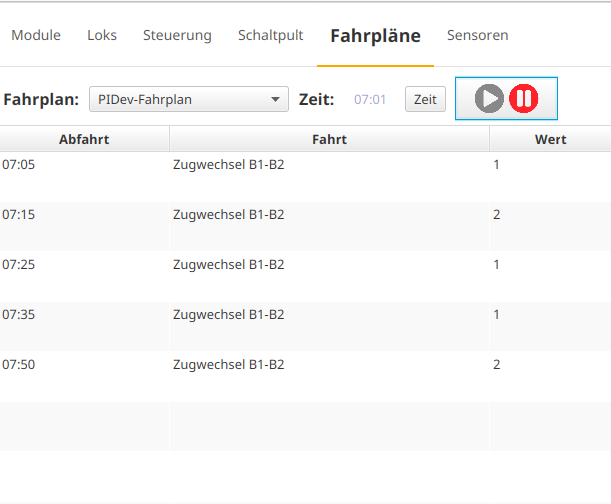
The timetables can be found as a new tab in the main view of the CTC app:
Execute timetable
To execute a timetable, select it. Then set the model start time via the "Time" button and press the Play button to start the clock. As soon as the model time matches one of the departure times, the associated train order is executed.
Create timetables
To create a timetable, first select a CTC-Turnout-Module or CTC-Multi-I/O-Board on which the overall plan is to be stored. Open its config dialog:
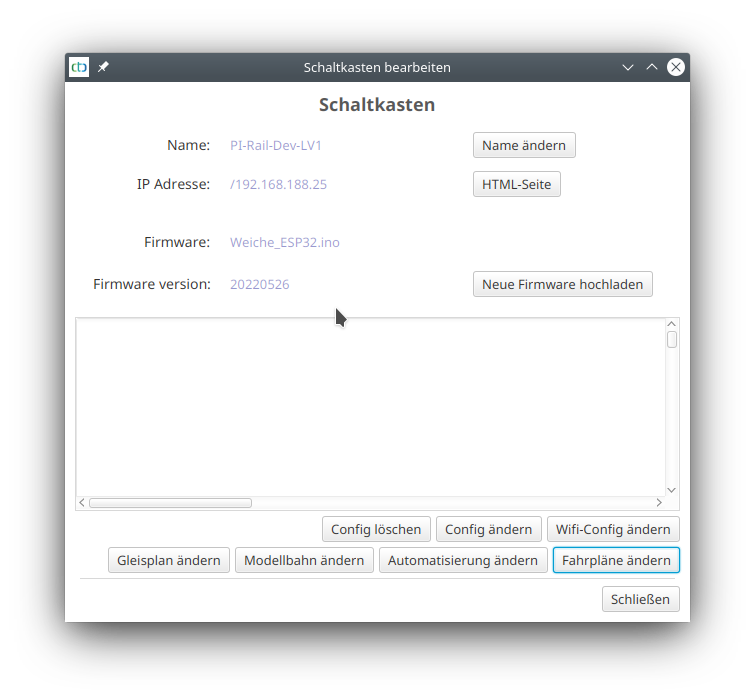
The following dialog appears:
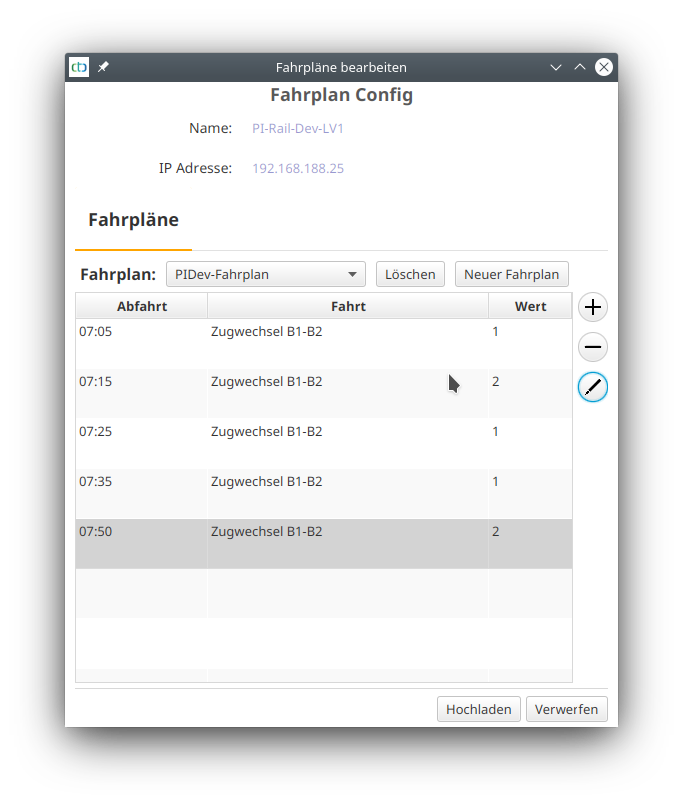
There, click on "New timetable" to create a new timetable.
You can add a train order to the timetable using the Plus button:
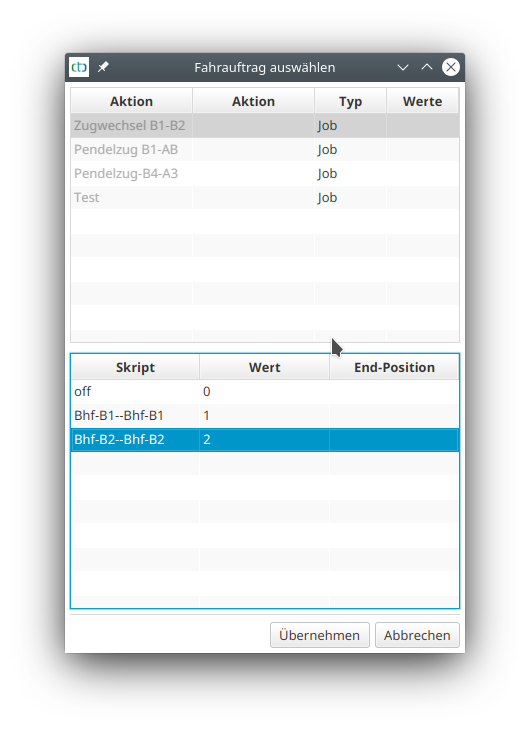
Afterwards, you can change the departure time using the Pen button.